Chapter 11 of 14
Campaigns and coupons
There are two ways to give a discount. A campaign takes a percent or an amount off your whole shop or chosen products for a few days, and buyers see the old price crossed out. A coupon code gives money off only to buyers who type the code at checkout.
Start a campaign
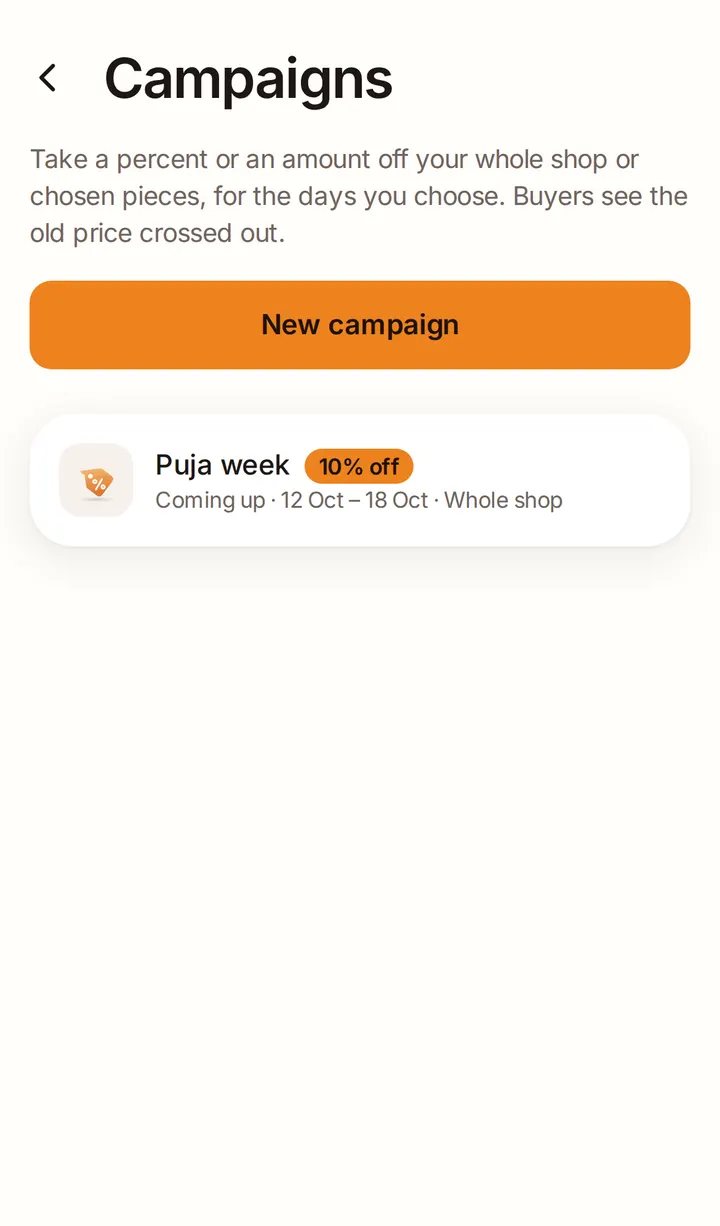
Open Campaigns under Manage and tap New campaign:
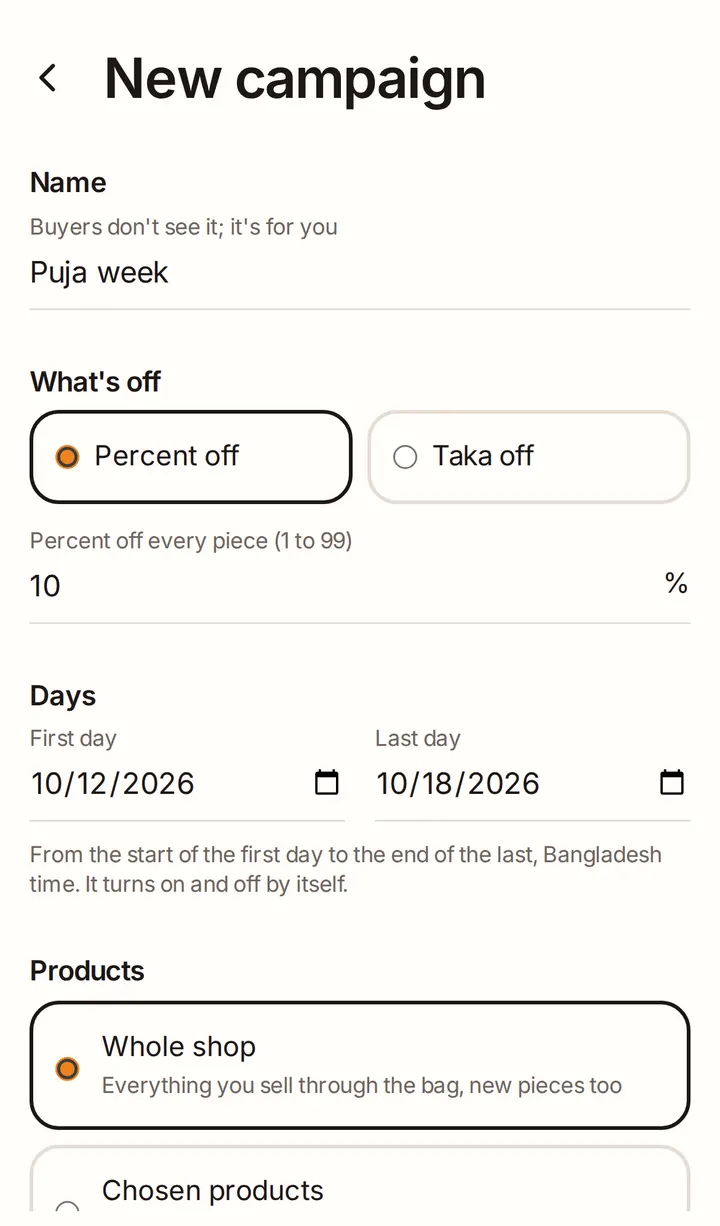
- Name: only for you; buyers don't see it.
- What's off: Percent off or Taka off.
- Days: the first and last day. It turns on and off by itself.
- Products: Whole shop or Chosen products.
- Celebration (optional): link it to an upcoming celebration, such as Pohela Boishakh or Eid.
The preview shows the prices buyers will see. Tap Start campaign.
Honest prices
A crossed-out price must be a real price:
- You can't raise a product's price in the 30 days before a campaign, or while it runs.
- Only products with a product price can be in a campaign.
- A product can't be in two campaigns at once.
Change or end a campaign
Before it starts you can edit it, or Call off this campaign. Once it's running you can only End this campaign now: prices go back to normal straight away.
Coupon codes
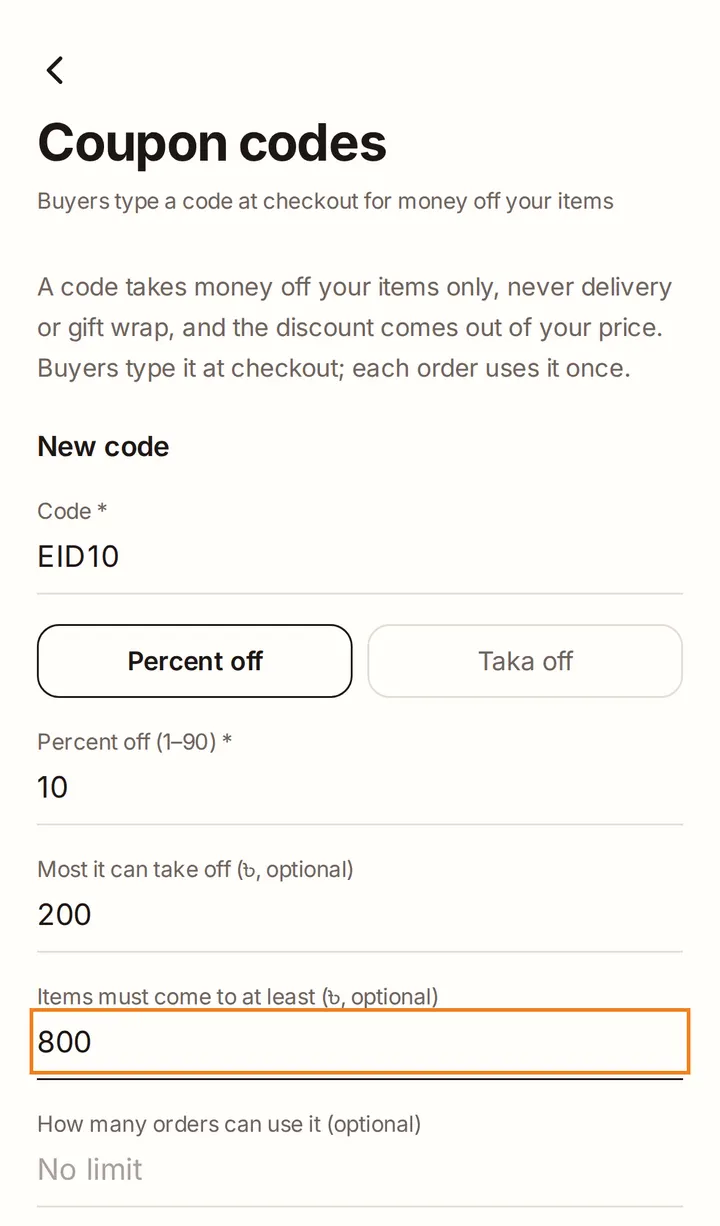
Open Settings → Coupon codes and tap Add a code:
- Code: what buyers type, such as EID10.
- Percent off (1 to 90) or Taka off. For a percent, you can set the most it can take off.
- Optional: a minimum for the items, how many orders can use it, and the dates it works.
Share the code on your Facebook page, Instagram or in chat. The discount is taken off your items only, never delivery or gift wrap, and comes out of your price. Each order can use a code once. You can Edit, Pause or Delete a code any time.