Chapter 4 of 14
Set up your shop
Before your first sale, tell buyers who you are, how you deliver and how they can pay. Open Your shop in the bar at the bottom, then Settings under Manage. Each row opens its own page; tap Save when you're done.
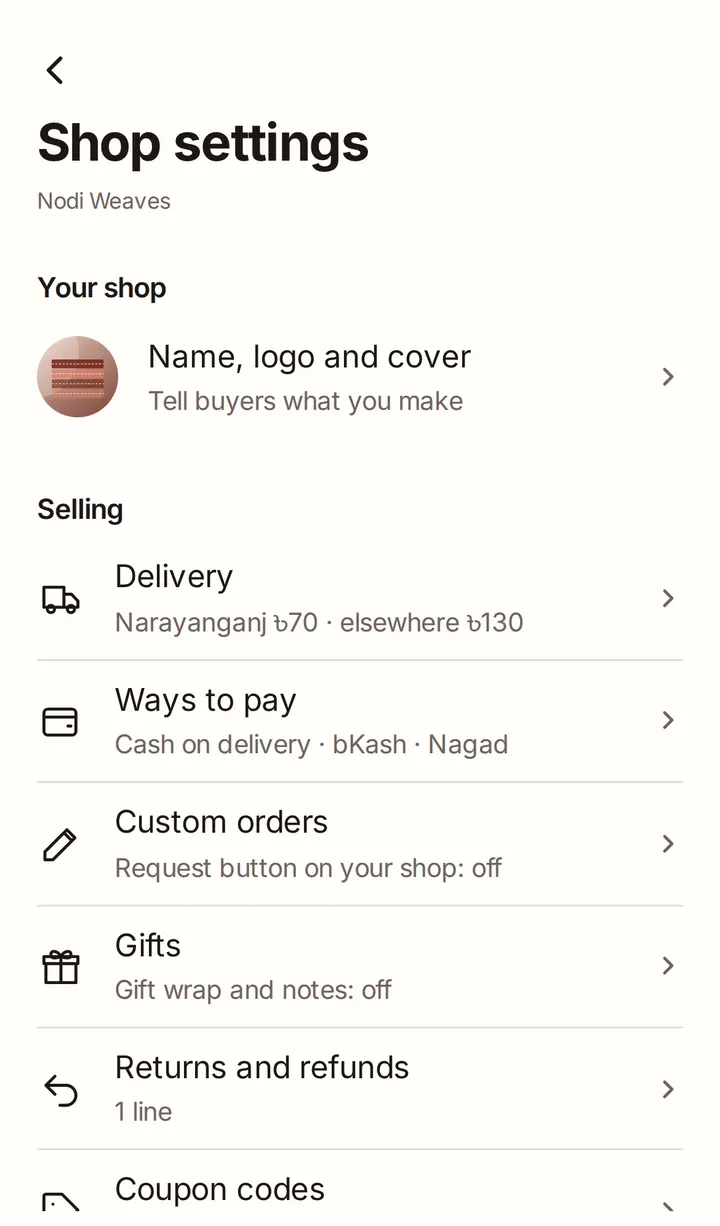
Name, logo and cover
Upload your Shop logo and a Cover photo: the slim photo across the top of your shop. Write a few lines in About your shop. Photos can be up to 4 MB.
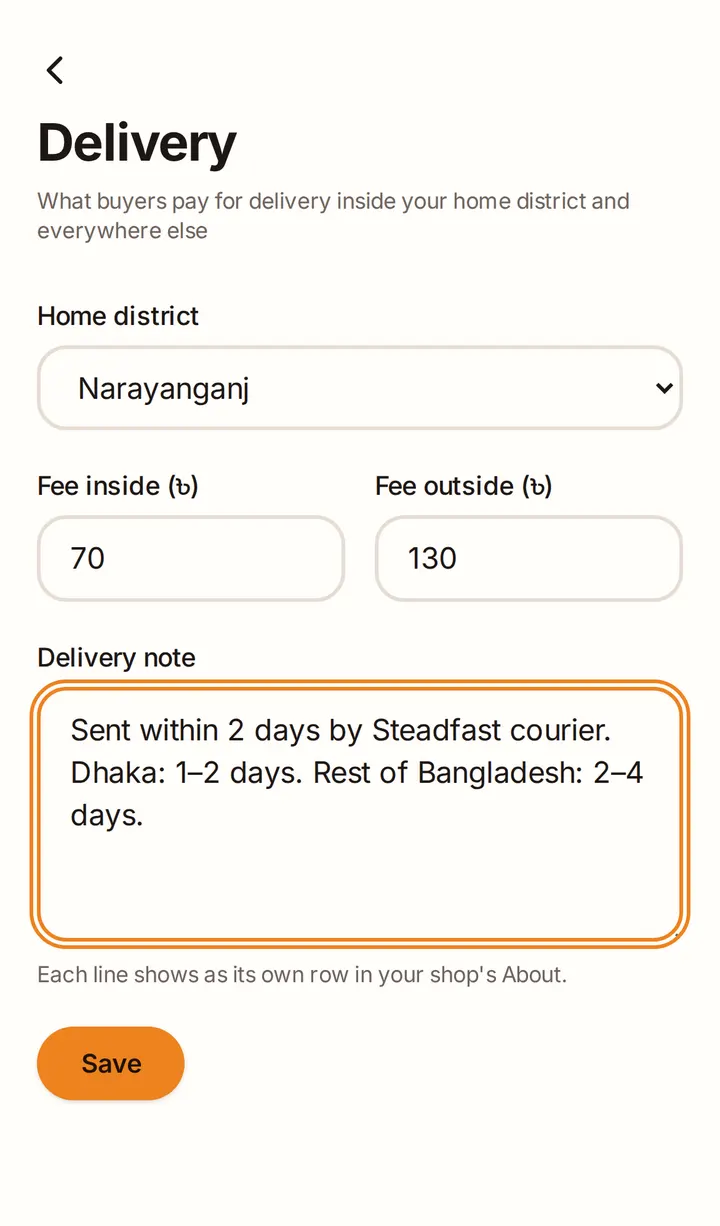
Delivery
Choose your Home district and set two fees: Fee inside your district and Fee outside it. Buyers in your district pay the inside fee; everyone else pays the outside fee. Use Delivery note for anything else, such as delivery times. Each line shows as its own row on your shop page.
Ways to pay
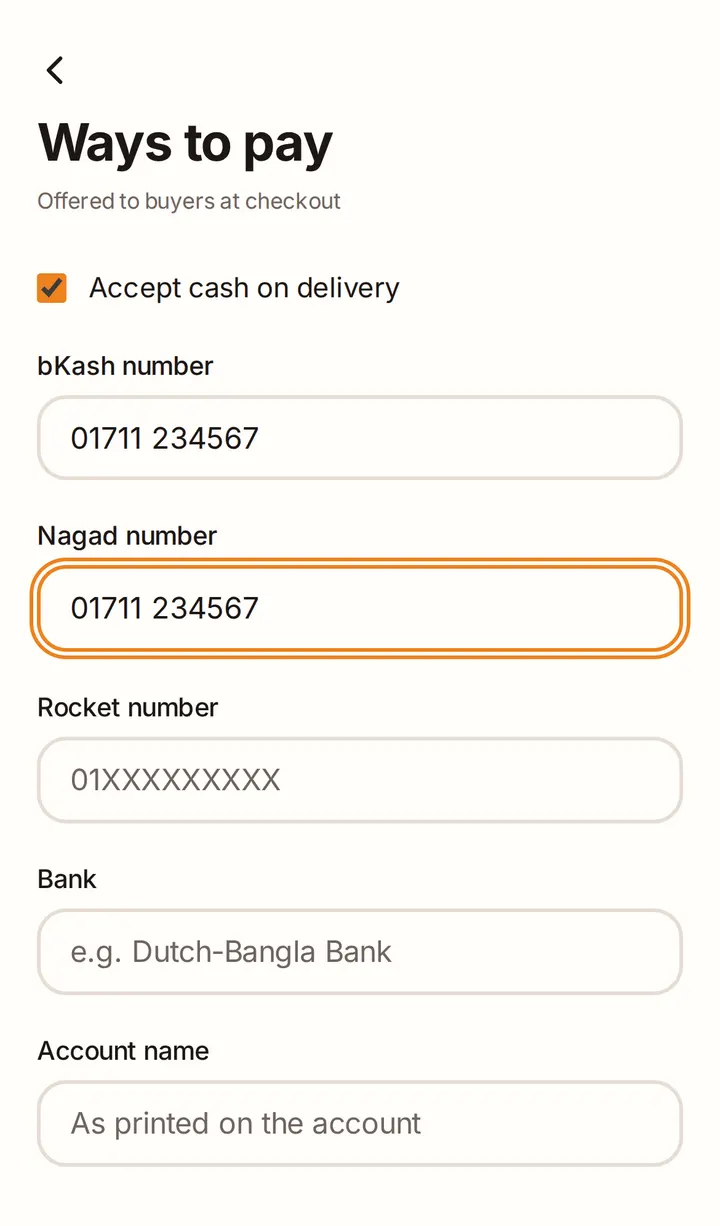
Choose how buyers can pay you:
- Accept cash on delivery (on unless you turn it off).
- Your bKash number, Nagad number or Rocket number.
- A bank account: Bank, Account name, Account number and Branch.
A way to pay is offered to buyers once its details are filled in. Buyers send the money themselves and type in the transaction ID, and you confirm it arrived.
Good to know
- Your shop page only shows the names of your payment methods, never your numbers. Buyers see the numbers when they pay.
- Products ask for the delivery charge in advance unless you change it, so set up at least one of bKash, Nagad, Rocket or a bank account.
Returns and refunds
Write your Return and refund policy. Buyers read it before they order, and you can't publish products until it's filled in.
Custom orders, gifts, links and contact
- Custom orders (Starter and Growth): show Request a custom order on your shop, so buyers can ask you to make something.
- Gifts: offer gift wrap (free or for a price) and let buyers add a gift note.
- Coupon codes: codes buyers type at checkout for money off (see Campaigns and coupons).
- Links: your website, Facebook page and Instagram.
- Contact and location: WhatsApp, phone, contact email and location.
Get your shop ready
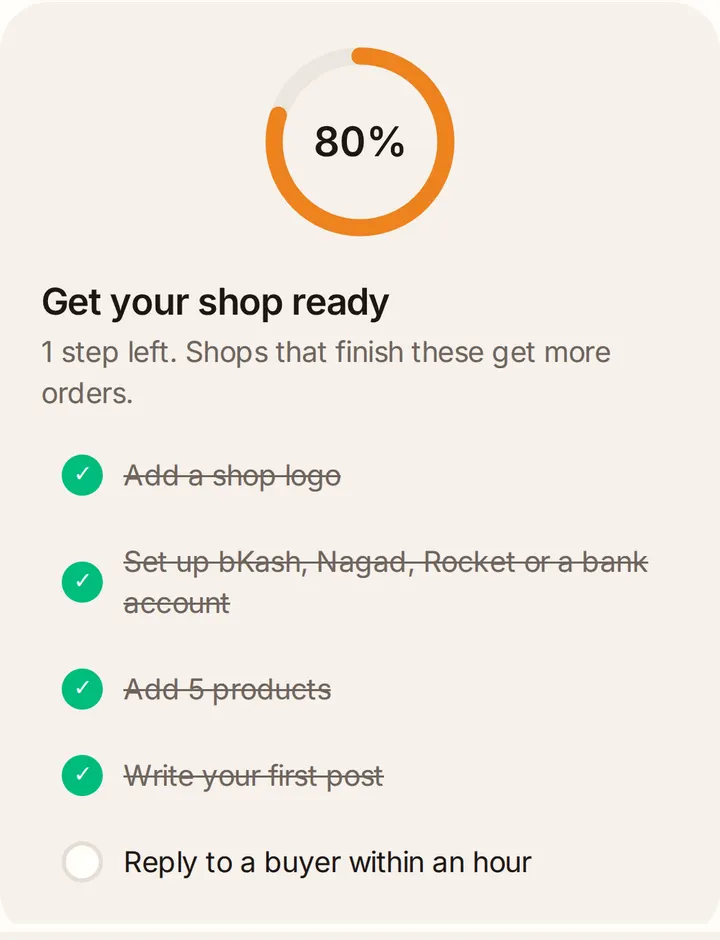
Your shop page shows a checklist, Get your shop ready, with five steps: add a shop logo, set up bKash, Nagad, Rocket or a bank account, add 5 products, write your first post, and reply to a buyer within an hour. Shops that finish these get more orders.